
Know who worked, where, and for how long
Geofenced clock-ins for on-site teams, GPS-verified punches for field staff, shifts and rosters for everyone else. It all flows into payroll without a timesheet chase.
Savanna360 HR web workspace
What Time & Attendance gives you
Geofenced clock-in
Define a site radius. A punch outside it is either blocked or flagged for a manager, your choice.
Works in the field
Drivers, technicians and sales staff clock in from the road with a GPS-stamped punch.
Shifts and rosters
Build a rota, publish it, and let staff request swaps that a manager approves in bulk.
Overtime rules
Rates and thresholds applied by shift type, so overtime is computed rather than negotiated.
Automatic timesheets
Punches roll into timesheets that can be linked to projects and tasks for costing.
Coverage gaps
See where a shift is unfilled before the day starts, not after somebody does not turn up.
A punch you can rely on
Every clock-in carries a location, a device and a timestamp. If the punch is outside the site geofence, or the shift window, it is flagged rather than silently accepted.
- Site geofence with a configurable radius
- GPS and device recorded with every punch
- Out-of-window punches flagged for manager review
- Sensible fallback hours when no shift is assigned
Savanna360 HR web workspace
Publish a rota, handle swaps in bulk
Build the schedule, publish it to the team, then handle the inevitable swap requests from a single queue with bulk approve and decline, instead of a week of messages.
- Rota published to every affected employee
- Swap requests reviewed in bulk from one queue
- Team roster view with coverage gaps highlighted
- Holiday calendar respected in due dates and pay
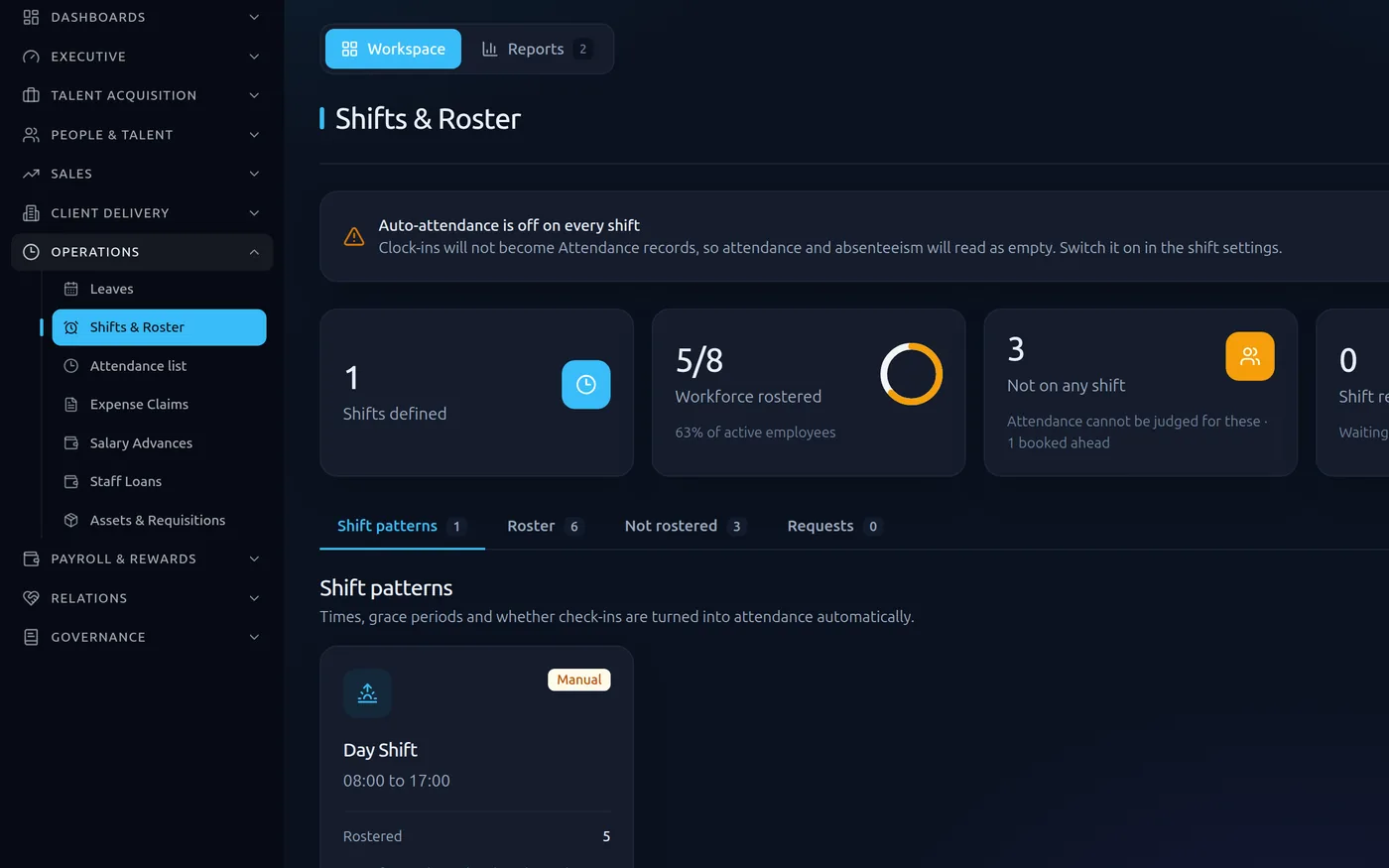
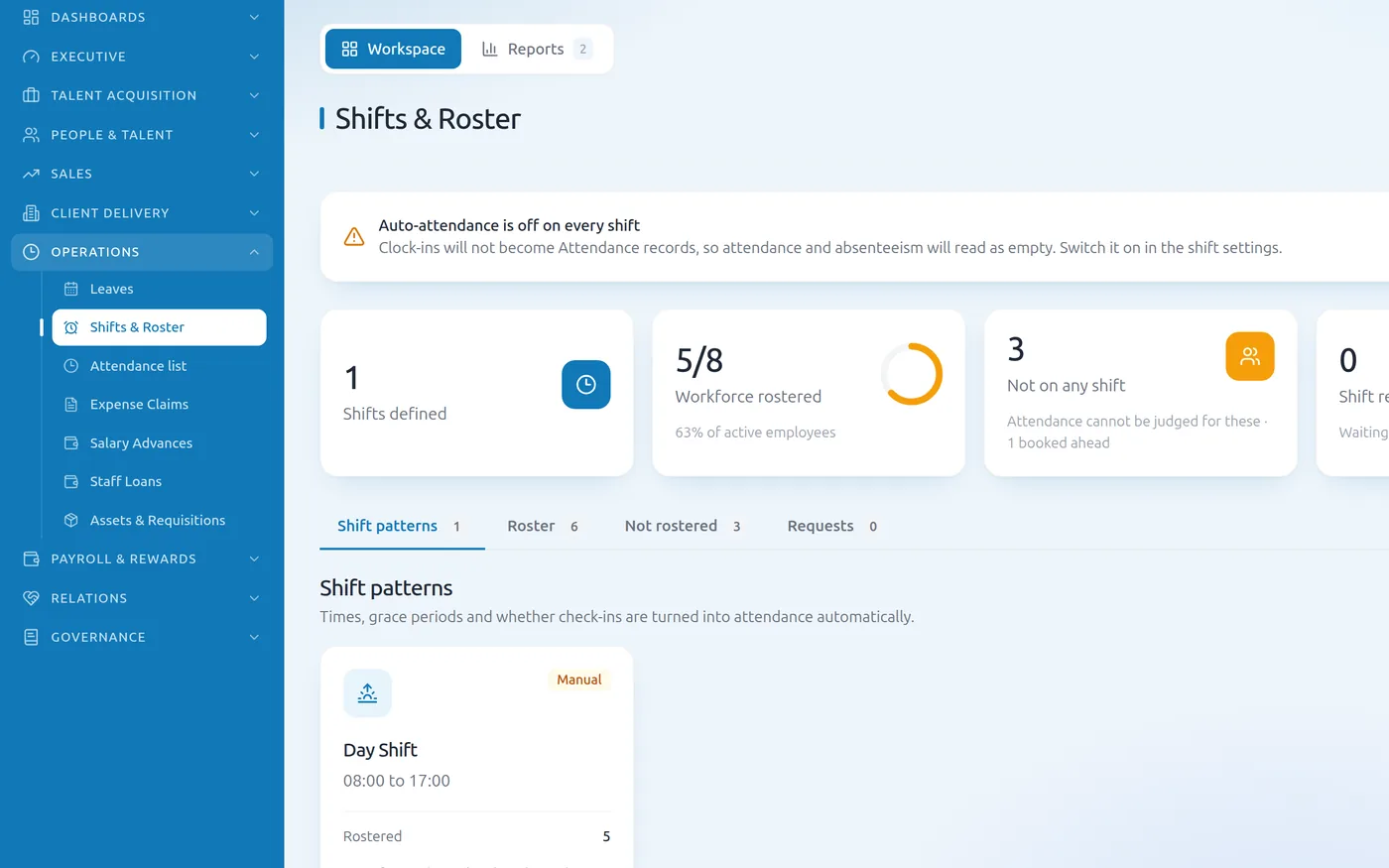
Shifts & roster — Savanna360 HR web workspace
Every figure traces back to a clock-in
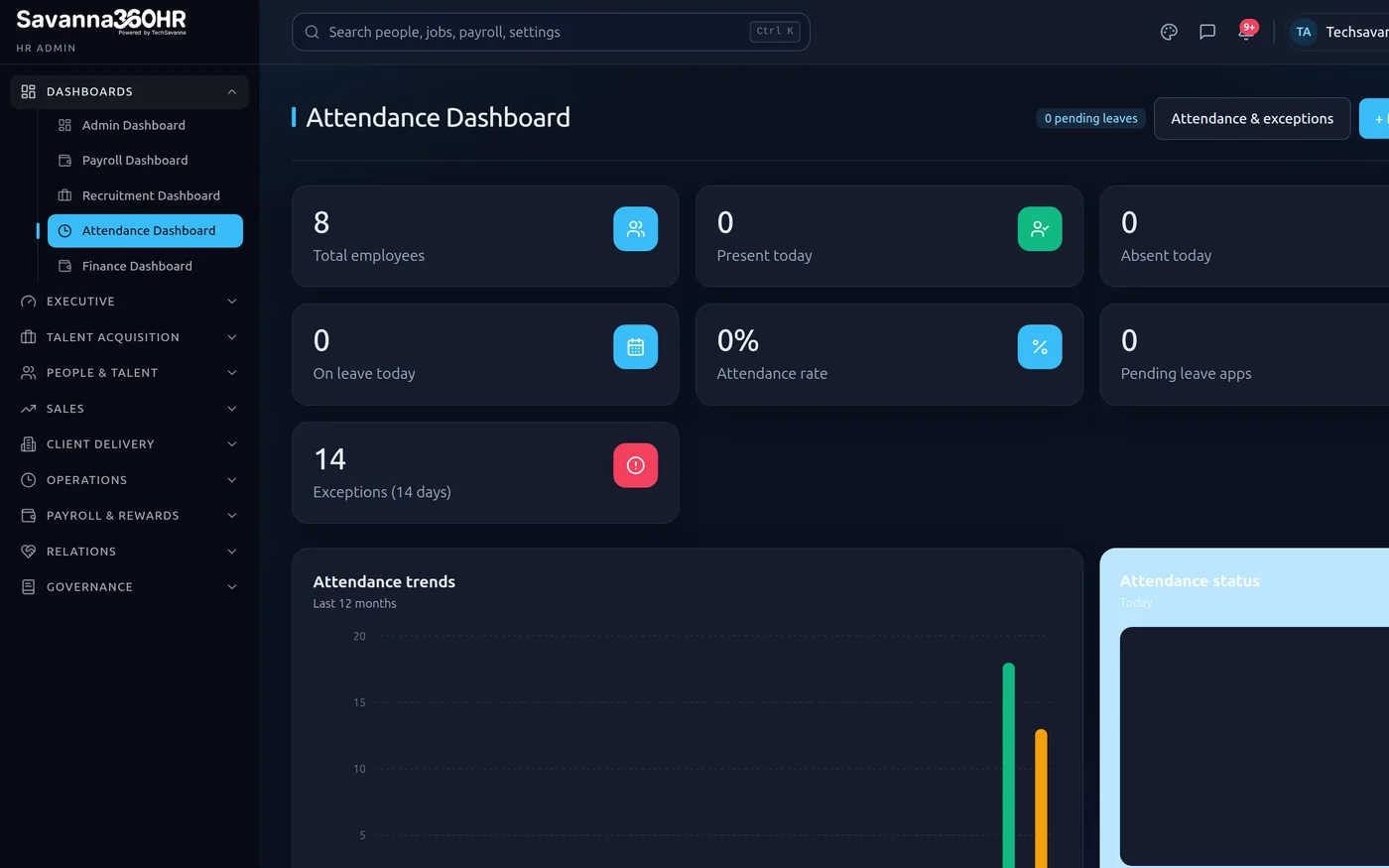
Days present, days absent, hours of overtime and unpaid leave accumulate as they happen. When payroll opens, the numbers are already there and already defensible.
- Days worked feed the payroll run directly
- Overtime rated by shift rule
- Absence and unpaid leave deducted automatically
- Every figure traceable back to a specific punch
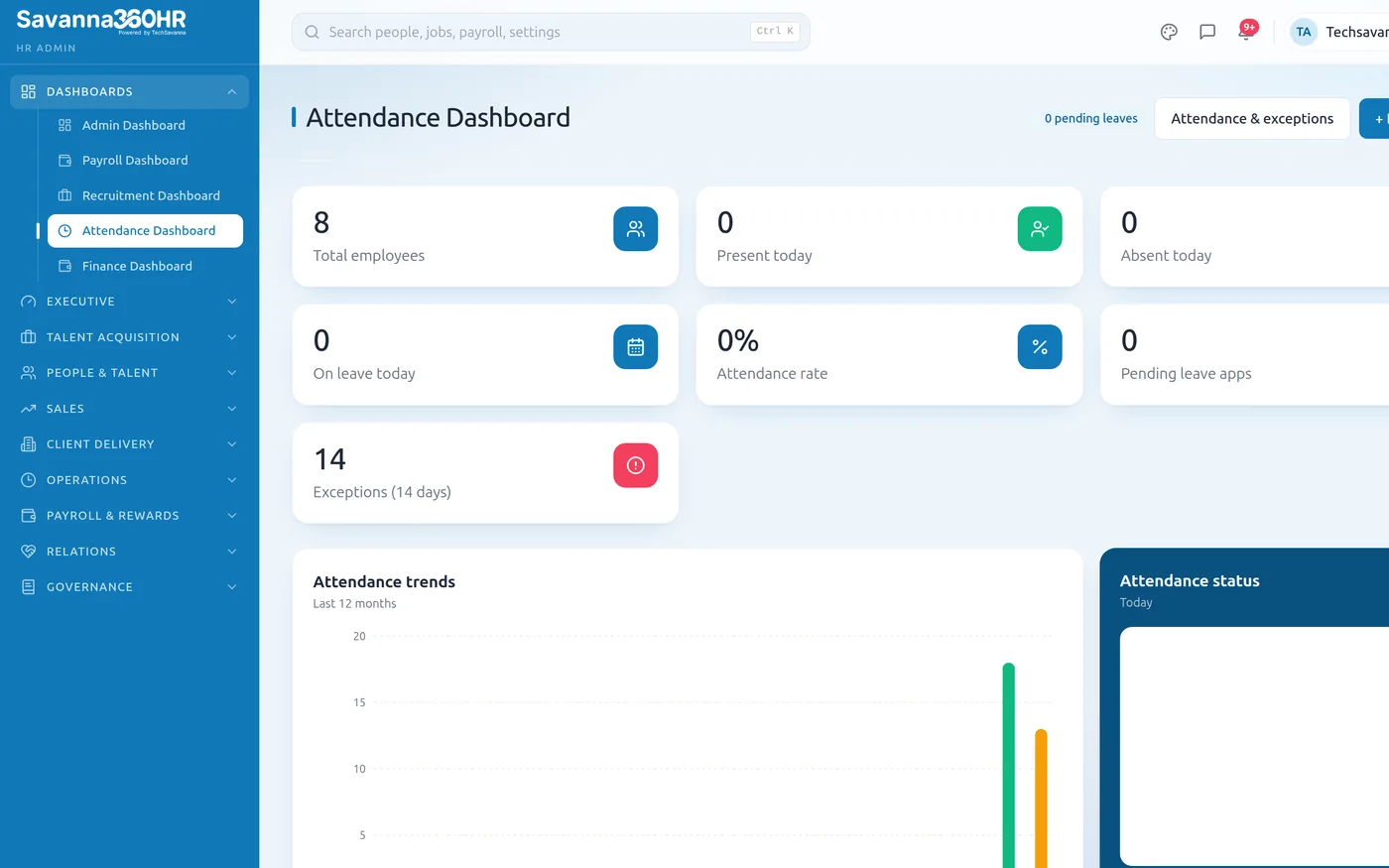
Attendance dashboard — Savanna360 HR web workspace
How teams roll Time & Attendance out
Define your sites
Set a geofence radius per office, site or client location.
Set shift types
Working hours, break rules and overtime rates per shift type.
Publish the rota
Staff see their schedule in the app and can request swaps.
Let it accrue
Attendance flows into timesheets and payroll with no chasing.
Frequently asked questions
The app records the punch locally with its timestamp and location and syncs it when connectivity returns. The original time is preserved, and the delayed sync is visible to the reviewer.
That is your policy to set. You can require a punch inside a site geofence, allow it anywhere with the location recorded, or allow it anywhere but flag out-of-geofence punches for a manager to review.
Rather than blocking the employee, Savanna360 falls back to a standard working window with a tolerance either side, so a clock-in is never refused because of a configuration gap. The fallback is visible in the record.
Yes. Shift types define their own start and end, including windows that cross midnight, and the hours are attributed to the correct working day for payroll.
Try Time & Attendance on your own data
Provision a full workspace in about ten minutes. Three days free, no card required.