
One employee record the whole company trusts
Contracts, documents, roles, reporting lines and every lifecycle event live in one place. Payroll, leave, time and performance all read from it, so nobody re-keys anything and nothing drifts out of date.
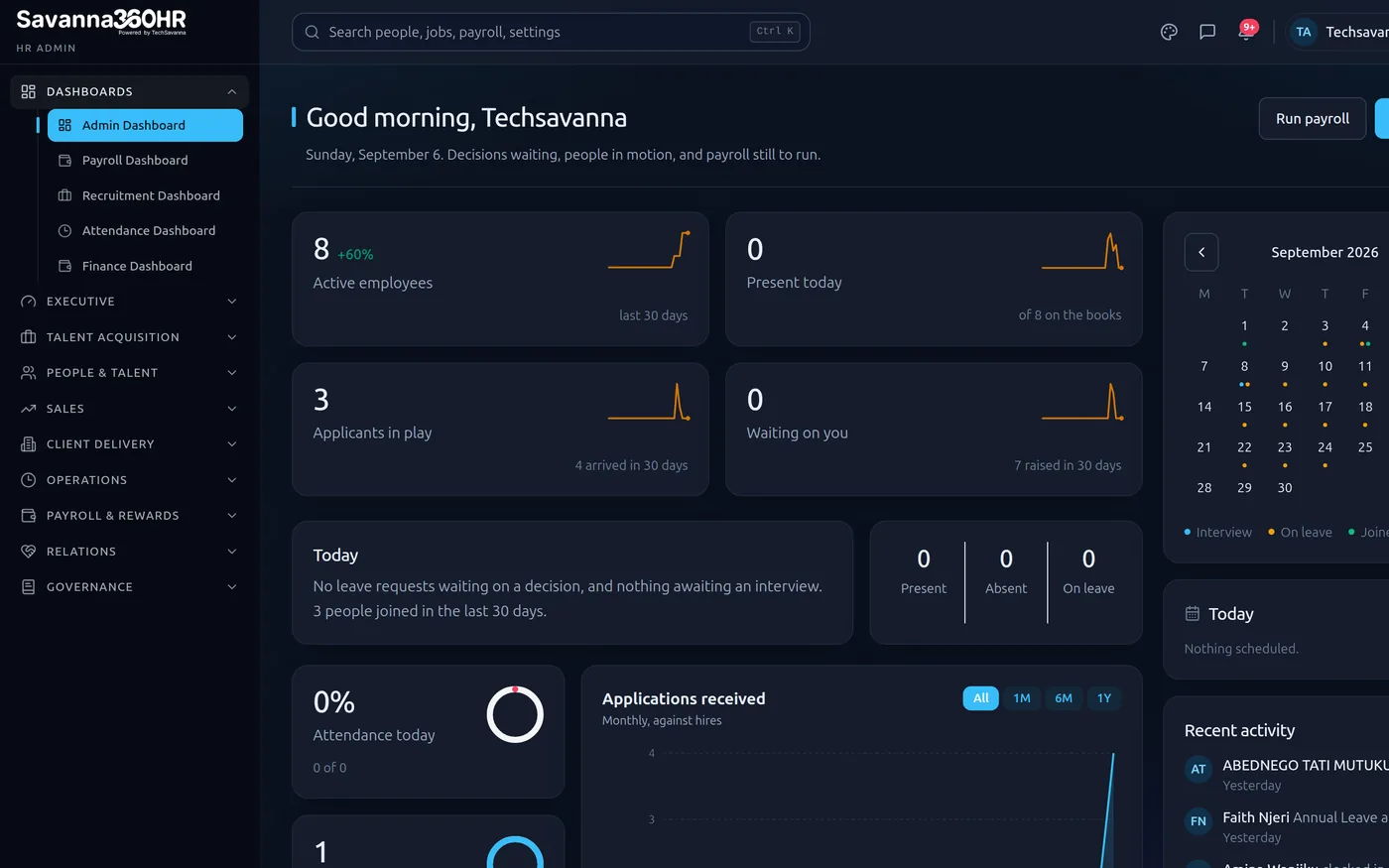
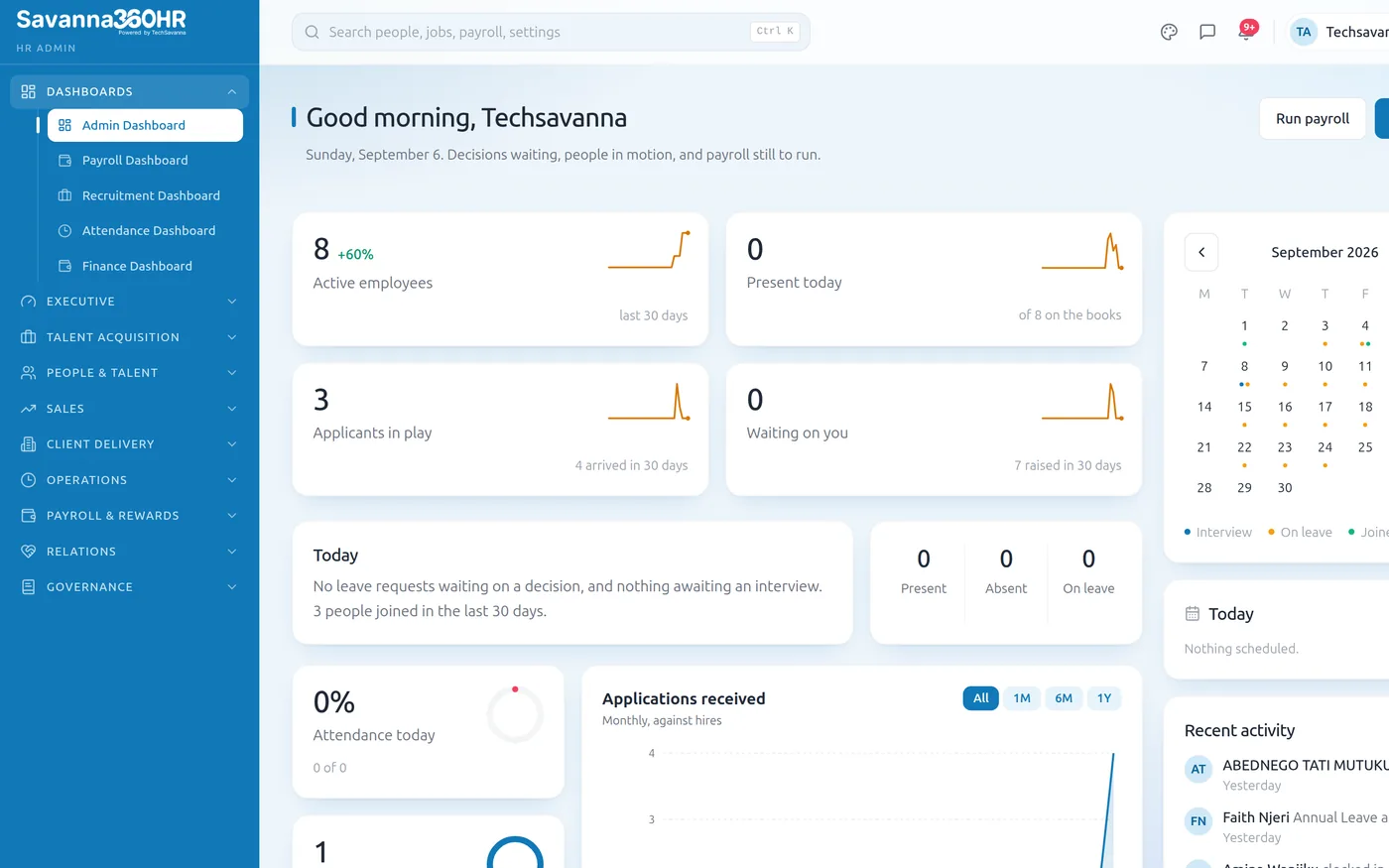
Savanna360 HR web workspace
What Core HR gives you
Single employee record
Personal details, contract, bank, next of kin and statutory identifiers on one profile that every other module reads.
Document vault
Contracts, certificates and IDs stored against the employee with expiry tracking and reminders before anything lapses.
Org structure
Departments, designations and reporting lines that drive approval routing automatically.
Lifecycle events
Joining, confirmation, transfer, promotion, suspension and exit, each with its own approval trail.
Employee relations
Raise, track and resolve grievances, anonymously or named, with a full conversation thread and audit history.
Role-based access
Managers see their team, HR sees the organisation, employees see themselves. Enforced on the server, not the screen.
Employees answer their own questions
Most HR tickets are someone asking for a payslip, a leave balance or a letter. Savanna360 puts all of it in the employee's hand, so the HR team gets its week back.
- Payslips, leave balances and documents on the phone
- Employment letters and salary certificates issued on request
- Personal detail updates that route to HR for approval
- Every request timestamped and searchable
Illustration — not live customer data
Grievances handled properly, on the record
A grievance channel employees will use, with the confidentiality they need and the paper trail you need. Raise anonymously or named, track status, and hold the whole conversation in one thread.
- Anonymous or named submission
- Threaded conversation with HR, with read receipts
- Status workflow from raised through review to resolved or withdrawn
- Attachments handled through a private, permissioned channel
Illustration — not live customer data
A company directory that respects consent
Colleagues can find and message each other, but only after both sides opt in. Nobody is dropped into a company-wide chat they never agreed to.
- Consent-first colleague chat, request and accept before messaging
- Searchable directory scoped by role and department
- Notifications the employee controls per category
- Works on the phone, so field staff are not excluded
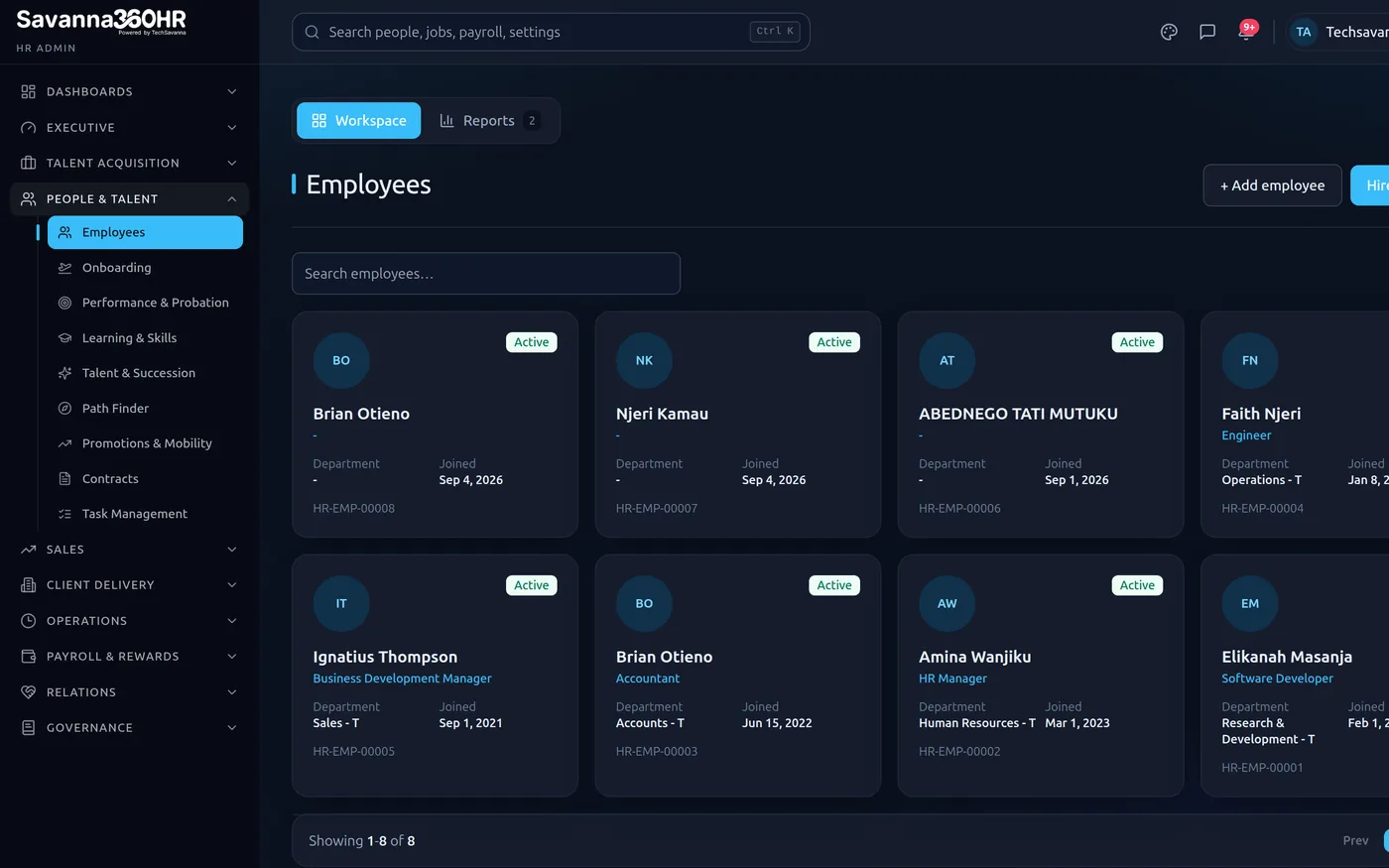
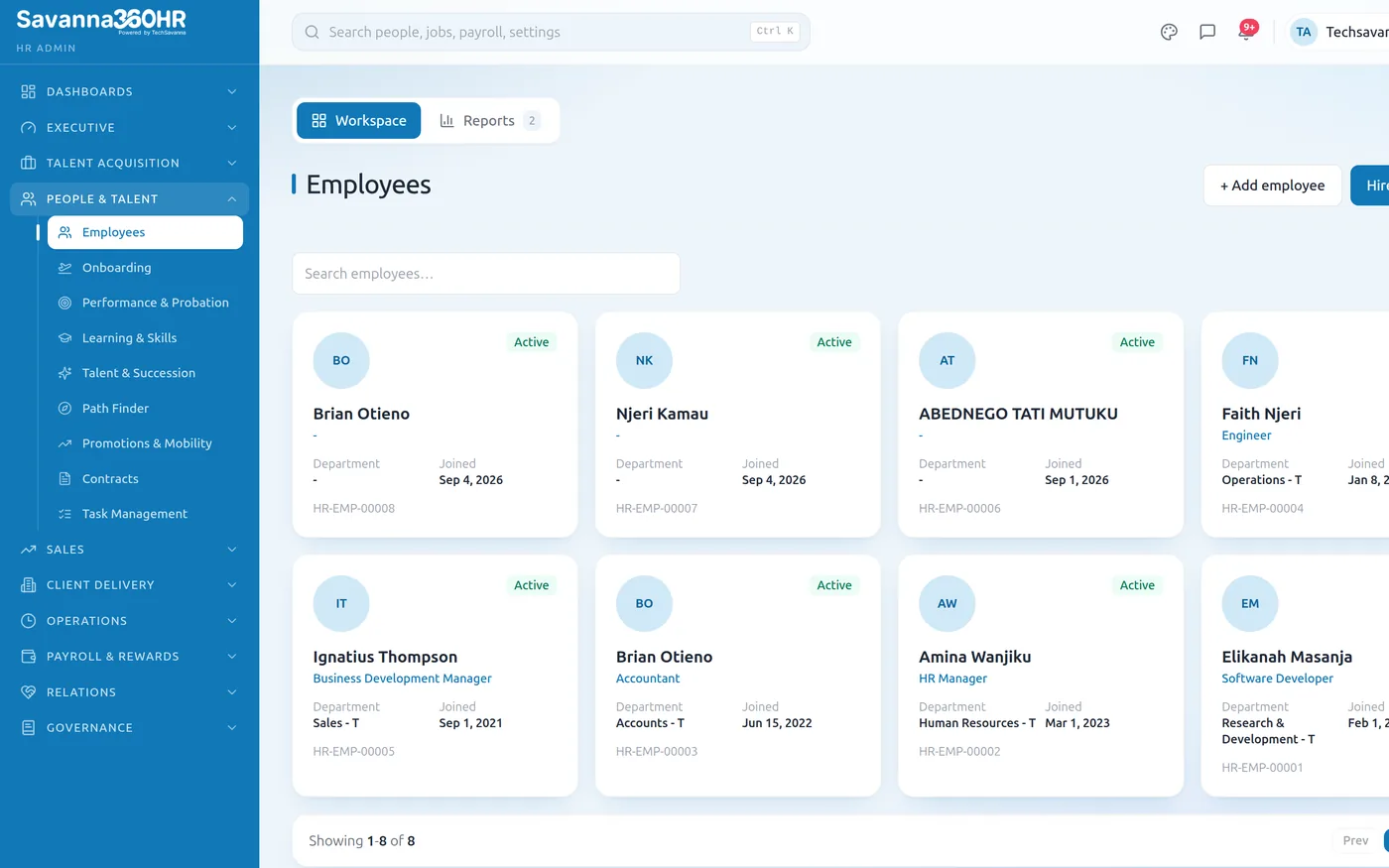
Employee directory — Savanna360 HR web workspace
How teams roll Core HR out
Import your people
Bring employees in from a spreadsheet. Field mapping is guided and validated before anything is written.
Set the structure
Departments, designations and reporting lines. Approvals route by reporting line from here on.
Invite the team
Employees get a secure first-password link and download the app.
Retire the spreadsheets
Every other module now reads the same record. Nothing is entered twice.
Frequently asked questions
Yes. The import is guided: you map your columns to Savanna360 HR fields, the file is validated for duplicates and missing statutory identifiers, and you see exactly what will be created before you commit.
Access is role-based and enforced on the server. Employees see themselves, managers see their reporting line, HR sees the organisation. Salary and document access can be restricted further, and sensitive screens can require a device unlock.
The employee is marked as exited with a reason and a date. The record is retained for statutory and audit purposes, access is revoked immediately, and the person disappears from active lists, rosters and payroll runs.
Yes. Contracts, work permits, certifications and IDs carry expiry dates, and a daily scan raises alerts to HR and the employee before anything lapses.
Try Core HR on your own data
Provision a full workspace in about ten minutes. Three days free, no card required.