
Hiring that hands over cleanly
Openings, applicants, interviews and offers are tracked in your workspace, and an accepted candidate becomes an employee record with an onboarding plan already running. Recruitment is managed from the web workspace rather than the mobile app.
Illustration — not live customer data
What Recruitment gives you
Job openings
Post a role with its department, designation and headcount, and keep every application against it.
Applicant tracking
Applicants move through stages with their CV, notes and interview feedback attached to the record.
Interview rounds
Define rounds and panels, record each interviewer's feedback, and keep the outcome against the stage.
Offers
Generate an offer from the applicant record and track it through to acceptance or decline.
Hand-over to Core HR
An accepted applicant is converted into an employee record rather than re-entered by hand.
Onboarding starts automatically
Savanna360 HR launches the onboarding plan for the new employee, with owners and holiday-adjusted due dates.
One place for every open role
Openings, applicants, interview feedback and offers live against the same records as the rest of HR, so a hiring decision can still be explained months later.
- Job openings tied to department, designation and headcount
- Applicants tracked through the stages you define
- Interview rounds with per-interviewer feedback recorded
- Full history retained for compliance
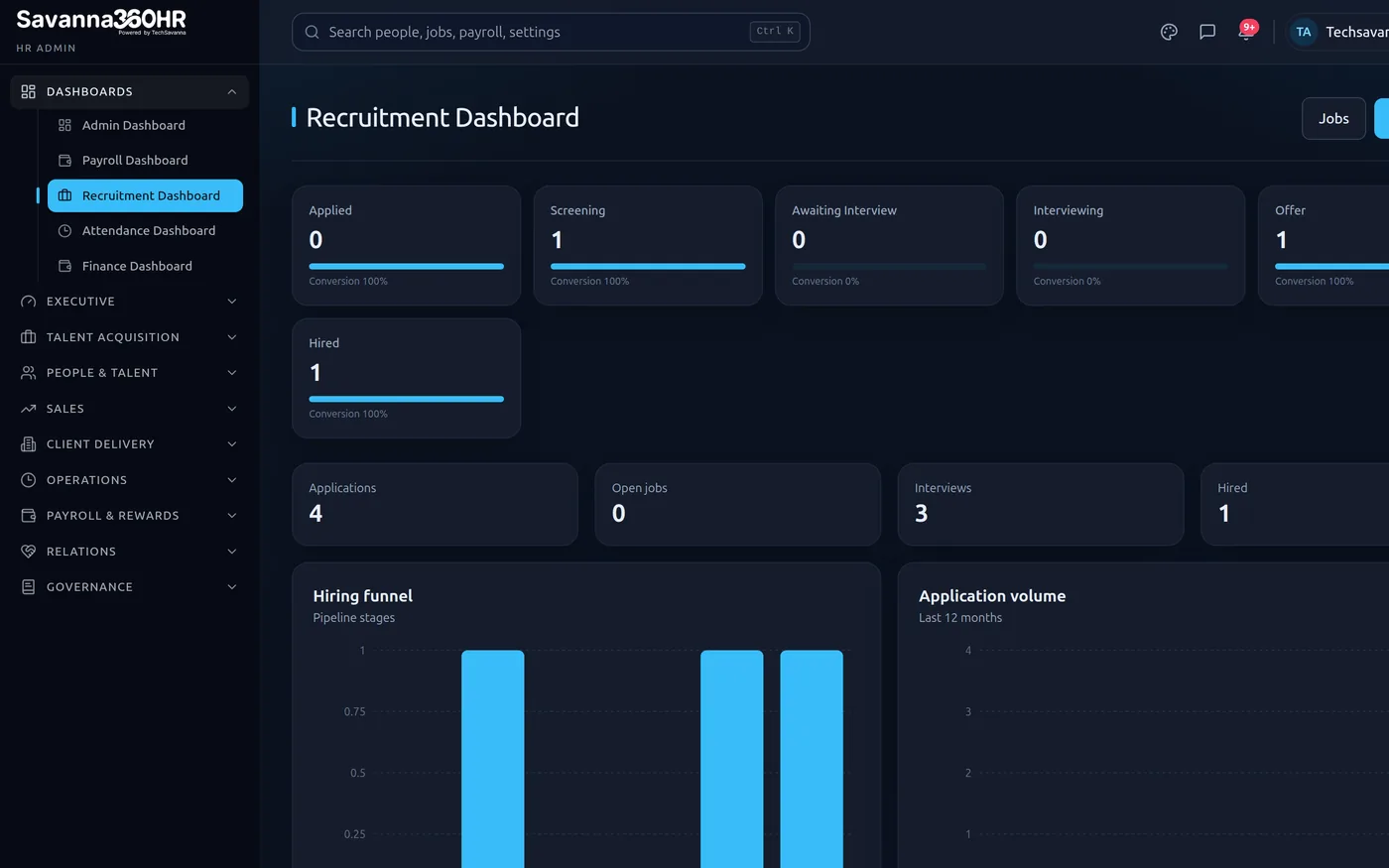
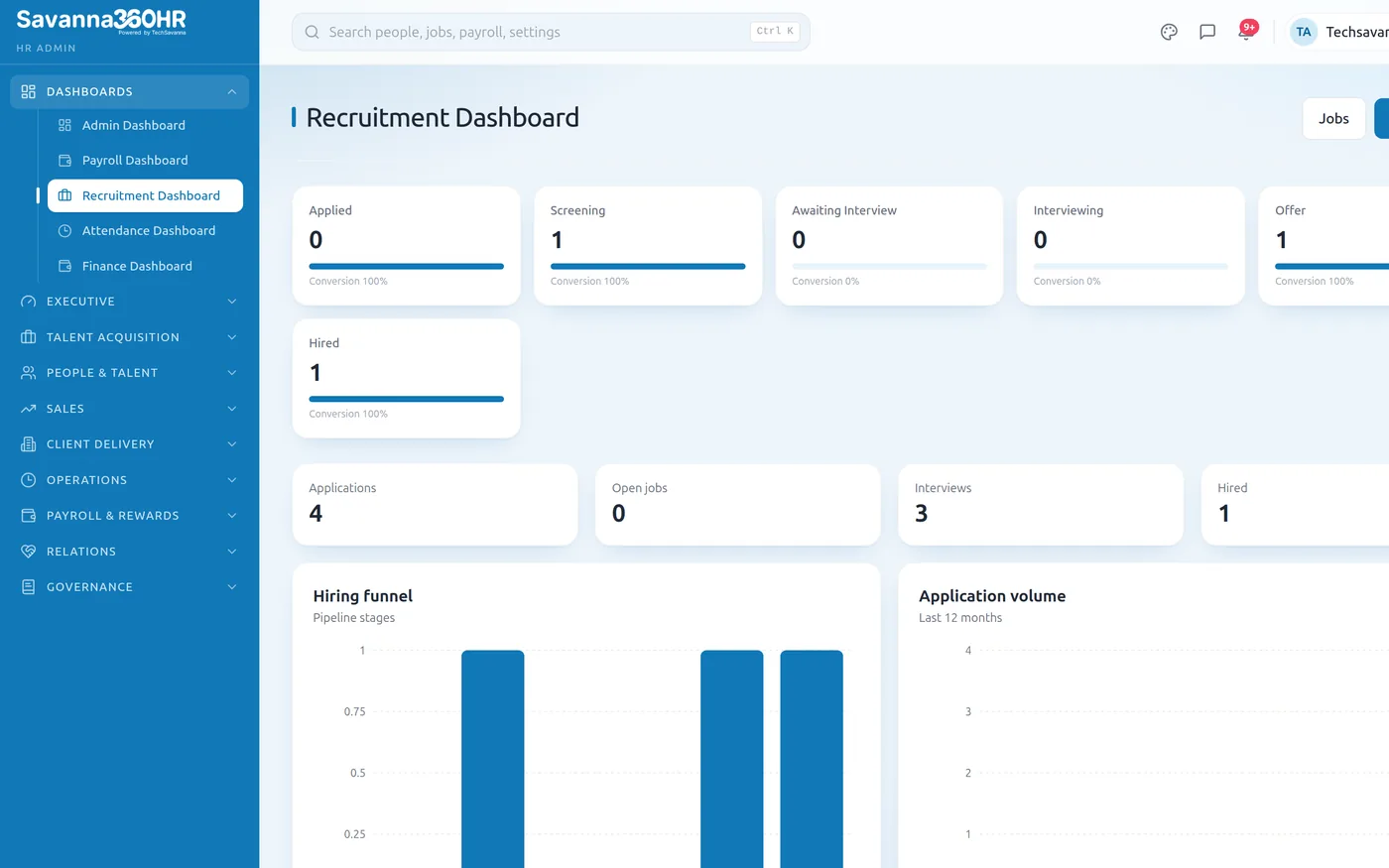
Recruitment dashboard — Savanna360 HR web workspace
Accepted today, onboarding tomorrow
This is the part Savanna360 adds. When the applicant becomes an employee, the onboarding plan starts on its own, with each task assigned to the person who owns it.
- Applicant converts to an employee record, no re-entry
- Onboarding template launched automatically on the new hire
- Tasks assigned to owners with holiday-adjusted due dates
- Owners see their tasks in a personal inbox in the app
Illustration — not live customer data
From approved to signed in
Savanna360 adds a review queue for new-joiner account requests. Approving one creates the user, the linked employee record and the right role in a single action, and sends a branded welcome email.
- One queue for new-joiner account requests
- Approve to create user, employee and role together
- Generated password delivered by a one-time reveal link
- Declines recorded with a reason
Savanna360 HR web workspace
How teams roll Recruitment out
Post the opening
Create a job opening against a department and designation.
Track applicants
Applications, CVs and notes collect against the opening.
Interview and offer
Record rounds and feedback, then issue and track the offer.
Hand over
Acceptance creates the employee and starts onboarding.
Frequently asked questions
In the web workspace rather than the mobile app. The mobile app covers the day-to-day employee and manager journeys; hiring is a desk activity and lives there. New-joiner account approvals, which Savanna360 adds, are available in the app.
The recruitment doctypes of the underlying HRMS application: job openings, applicants, interview rounds and offers. Savanna360 adds the onboarding hand-over and the new-joiner access queue on top rather than duplicating what already works.
They remain in the applicant history with the outcome recorded, so you can search past applicants for a future role and evidence a fair process if asked.
Converting an accepted applicant into an employee launches the onboarding template you have chosen, assigning each task to its owner with a due date adjusted around public holidays.
Try Recruitment on your own data
Provision a full workspace in about ten minutes. Three days free, no card required.