
Leave that follows the policy, every time
Balances that accrue correctly, requests that route to the right approver, and a calendar that shows who is away before you approve one more person.
Illustration — not live customer data
What Leave gives you
Policy-driven balances
Entitlement, accrual, carry-forward and expiry configured once and applied consistently.
Approval routing
Requests route by reporting line or by leave type, with delegation when an approver is away.
Team calendar
See overlapping absence across a team or department before approving another day off.
Bulk review
Clear a queue of requests in one pass instead of opening them one at a time.
Evidence when required
Attach a sick note or supporting document where the policy demands one.
Payroll aware
Unpaid leave reaches payroll automatically, so nothing has to be remembered at month end.
Request in seconds, know the answer
Balance shown before the request is made, half-days supported, and the status visible the whole way through. No forms, no asking HR what is left.
- Live balance per leave type before requesting
- Half-day and part-day requests
- Status tracked from submitted to approved
- Push notification the moment it is decided
Illustration — not live customer data
Approve with the full picture
Who else is off that week, how much balance the requester has left, and whether the policy allows it. Then approve or decline in bulk.
- Overlapping absence shown alongside the request
- Remaining balance and policy checks inline
- Bulk approve and decline across the queue
- Delegation when an approver is themselves away
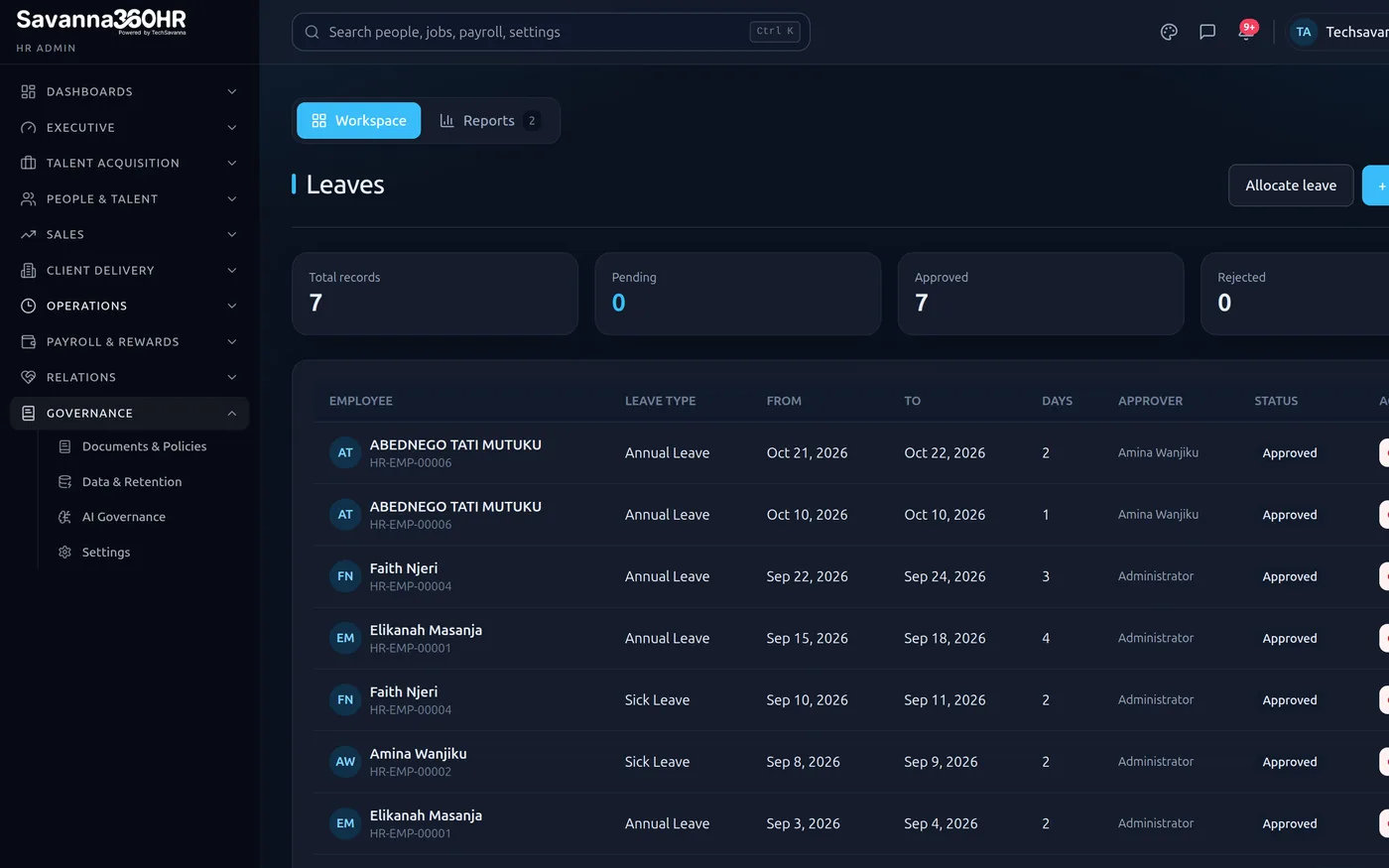
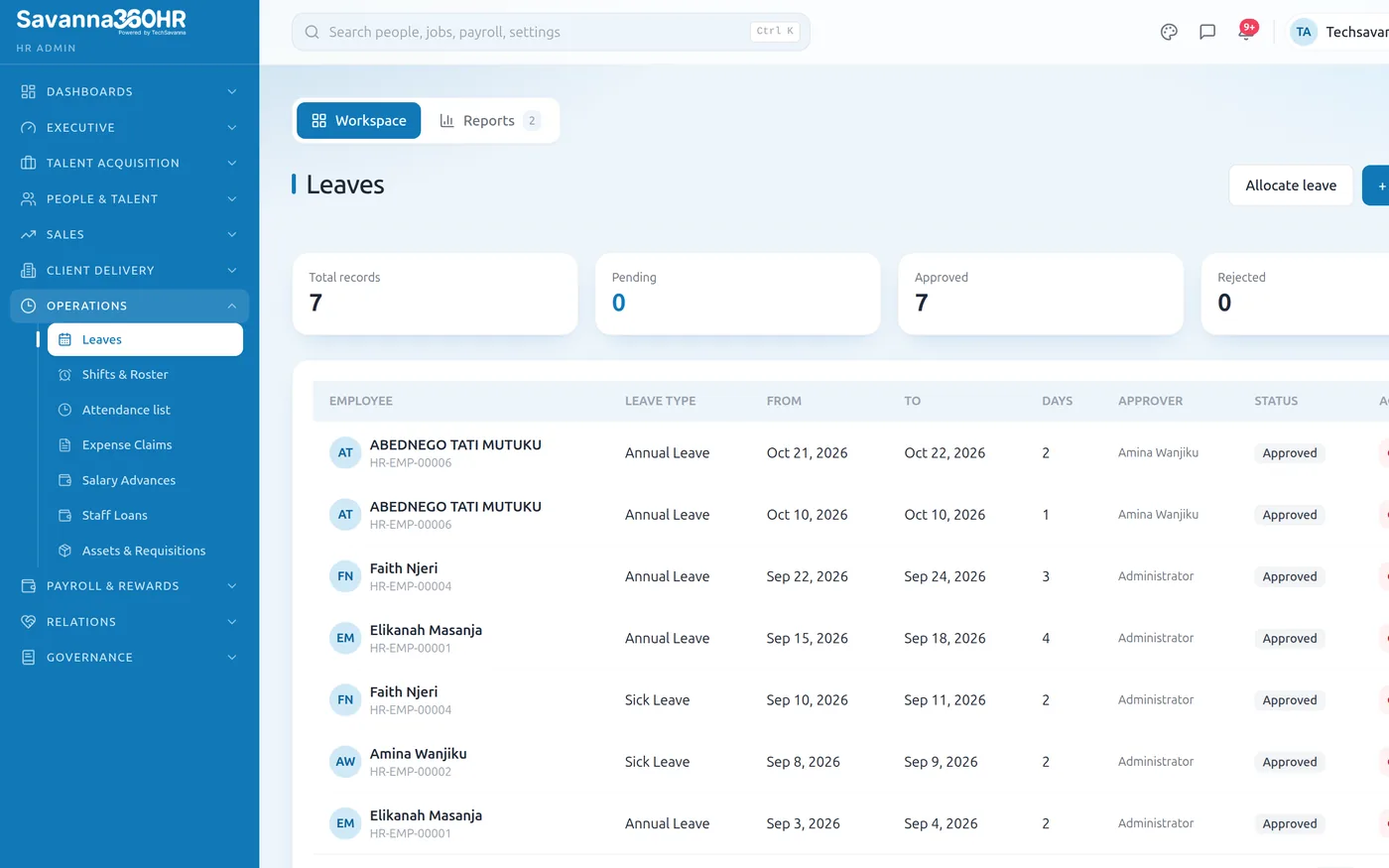
Leave queue — Savanna360 HR web workspace
Rules configured once, applied always
Accrual rate, maximum carry-forward, expiry, notice period and whether the type is paid. Set per leave type, then enforced without anyone having to remember.
- Accrual monthly, annually or on a custom schedule
- Carry-forward caps and expiry dates enforced
- Notice periods and blackout dates respected
- Paid and unpaid types handled distinctly in payroll
Illustration — not live customer data
How teams roll Leave out
Configure leave types
Entitlement, accrual, carry-forward and whether it is paid.
Set approval routing
By reporting line, by leave type, or both.
Open it to staff
Employees see their balance and request from the app.
Review in bulk
Clear the queue with the team calendar in view.
Frequently asked questions
Yes. Entitlement is set per leave type and can vary by grade, department or individual, including pro-rating for employees who join part-way through a leave year.
Each leave type defines whether unused days carry forward, up to what cap, and when carried-forward days expire. The system applies it at the leave-year boundary without manual intervention.
You can configure a delegate per approver, or let the request escalate up the reporting line after a set number of days so nothing sits waiting.
Yes. Leave types marked unpaid reduce payable days on the next payroll run automatically, and the deduction is traceable back to the specific approved request.
Try Leave on your own data
Provision a full workspace in about ten minutes. Three days free, no card required.