
The numbers your board asks for, already calculated
Headcount, payroll cost, turnover, absence and overtime, drawn from live records rather than a spreadsheet somebody assembled last week. Plus the statutory reports an auditor will ask to see.
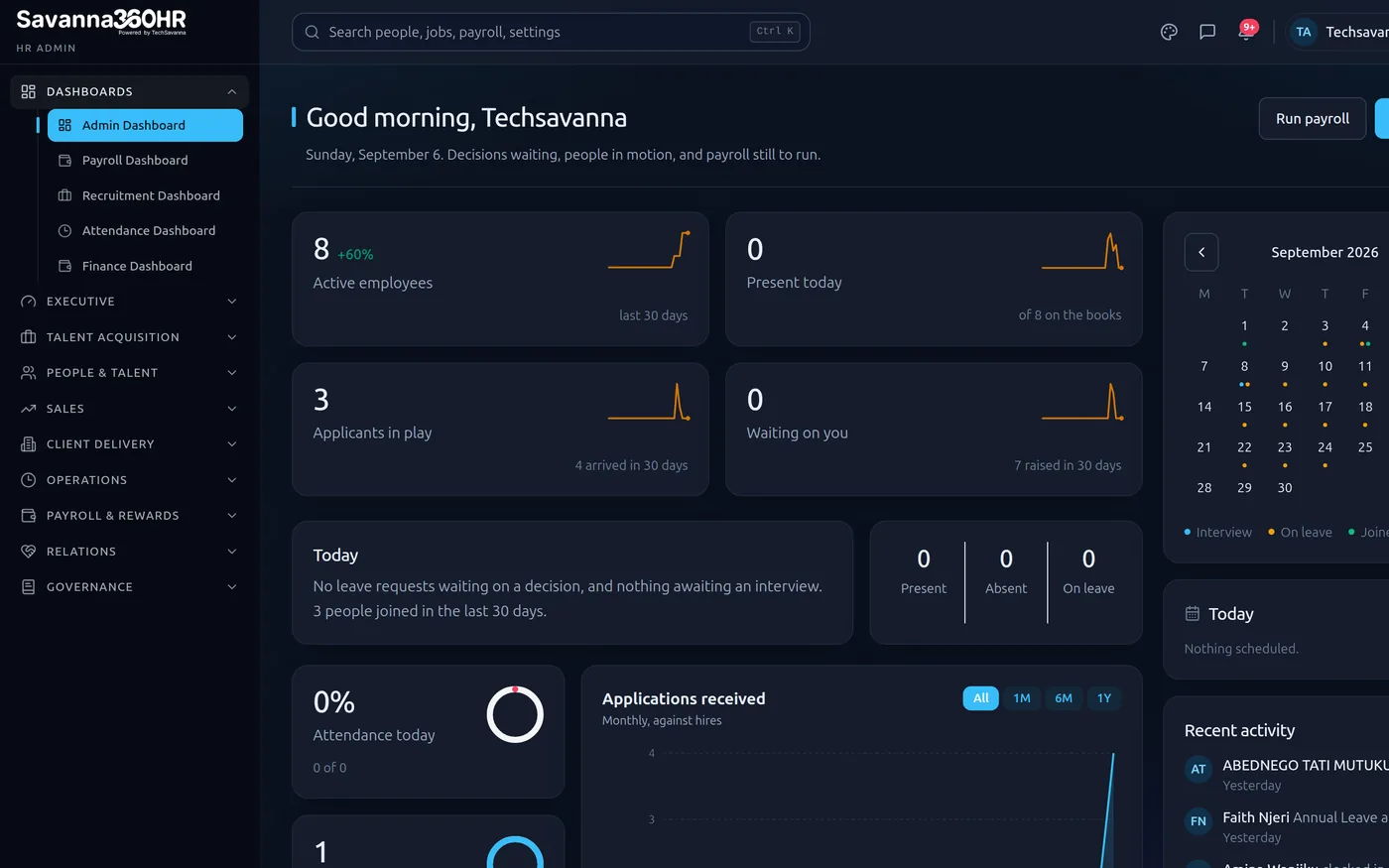
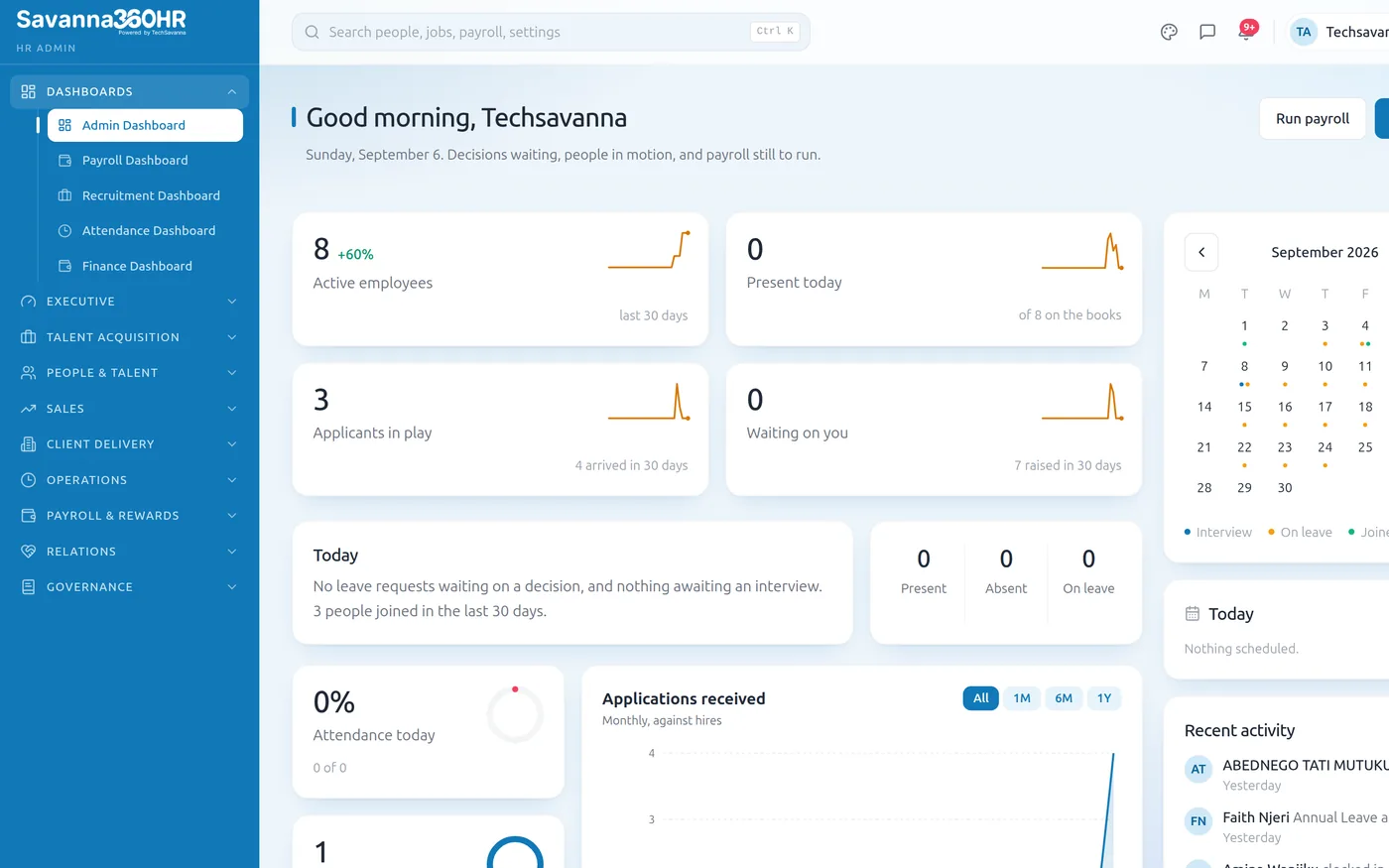
Savanna360 HR web workspace
What Analytics & Compliance gives you
Workforce dashboards
Headcount, cost, turnover and absence, sliced by department, grade or location.
Payroll analytics
Cost trend, overtime share and variance between periods, with the drivers visible.
Statutory reports
Period reports formatted for the regulator, with the rates that were applied.
Append-only audit log
Who changed what, when, from where. Immutable and exportable.
Export anything
Every report exports to spreadsheet or PDF for the people who still want a file.
Live, not last month
Figures come from the same records the modules write to, so they are never stale.
Where the people and the money are
Headcount and payroll cost by department, grade and location, with turnover and absence alongside so the picture is not just a number of bodies.
- Headcount and cost by any dimension you track
- Turnover with joiners and leavers broken out
- Absence and overtime trends over time
- Drill from a chart into the underlying records
Admin dashboard — Savanna360 HR web workspace
Evidence, not assurances
An append-only audit log records every consequential action with an actor, a timestamp and the before and after. Statutory reports show which rate was applied in which period.
- Append-only log covering approvals, payroll and access
- Statutory reports per period with applied rates
- Document expiry and compliance alerting
- Exportable evidence pack for auditors
Illustration — not live customer data
Not chained to a desktop
Managers do not sit at a desk all day. The dashboards that matter carry over to the mobile app, so an approval or a headcount question does not wait for someone to get back to the office.
- Key dashboards available in the mobile app
- Approvals actioned from the same screen
- Scoped to what the manager is allowed to see
- Exports shared straight from wherever you are
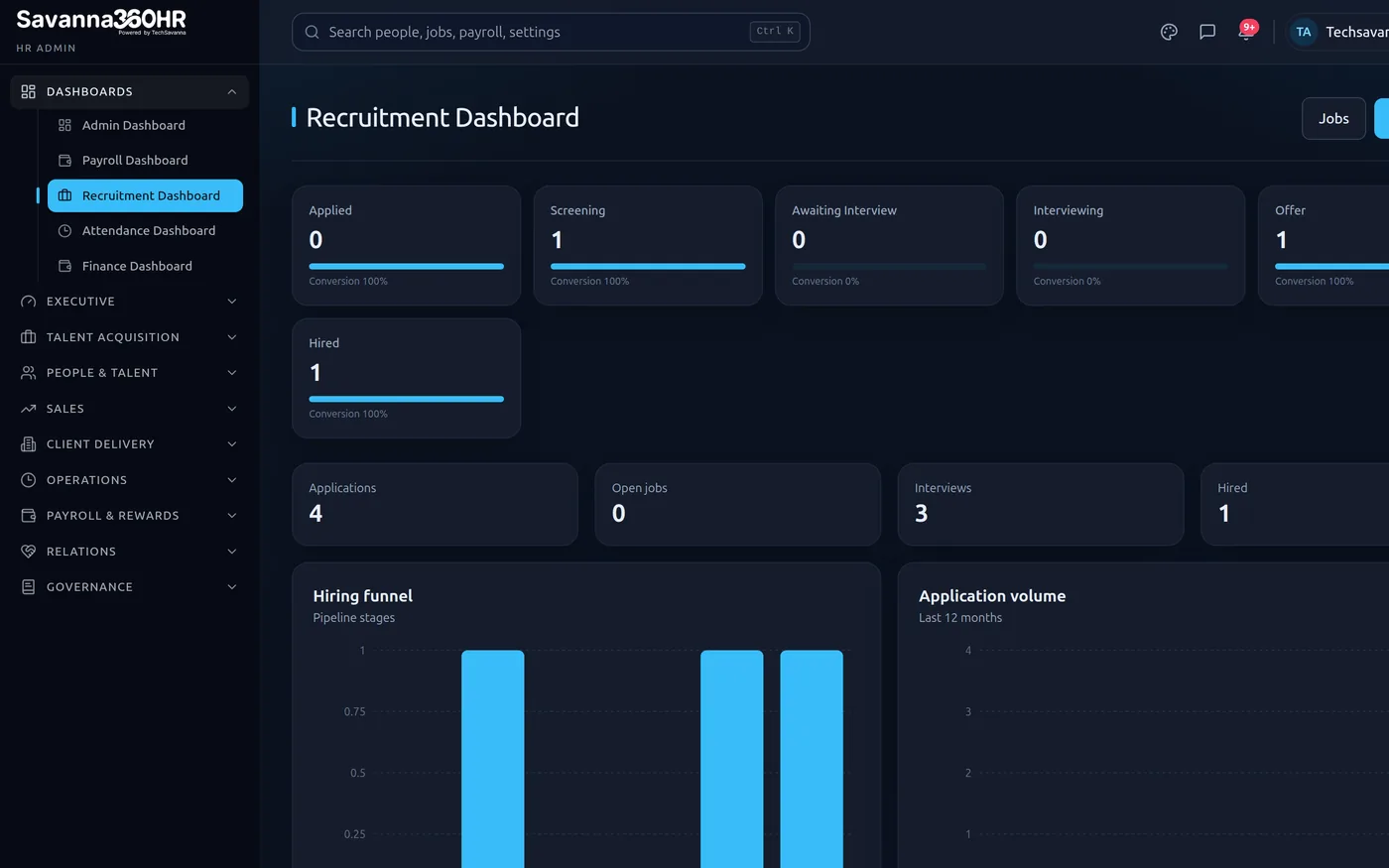
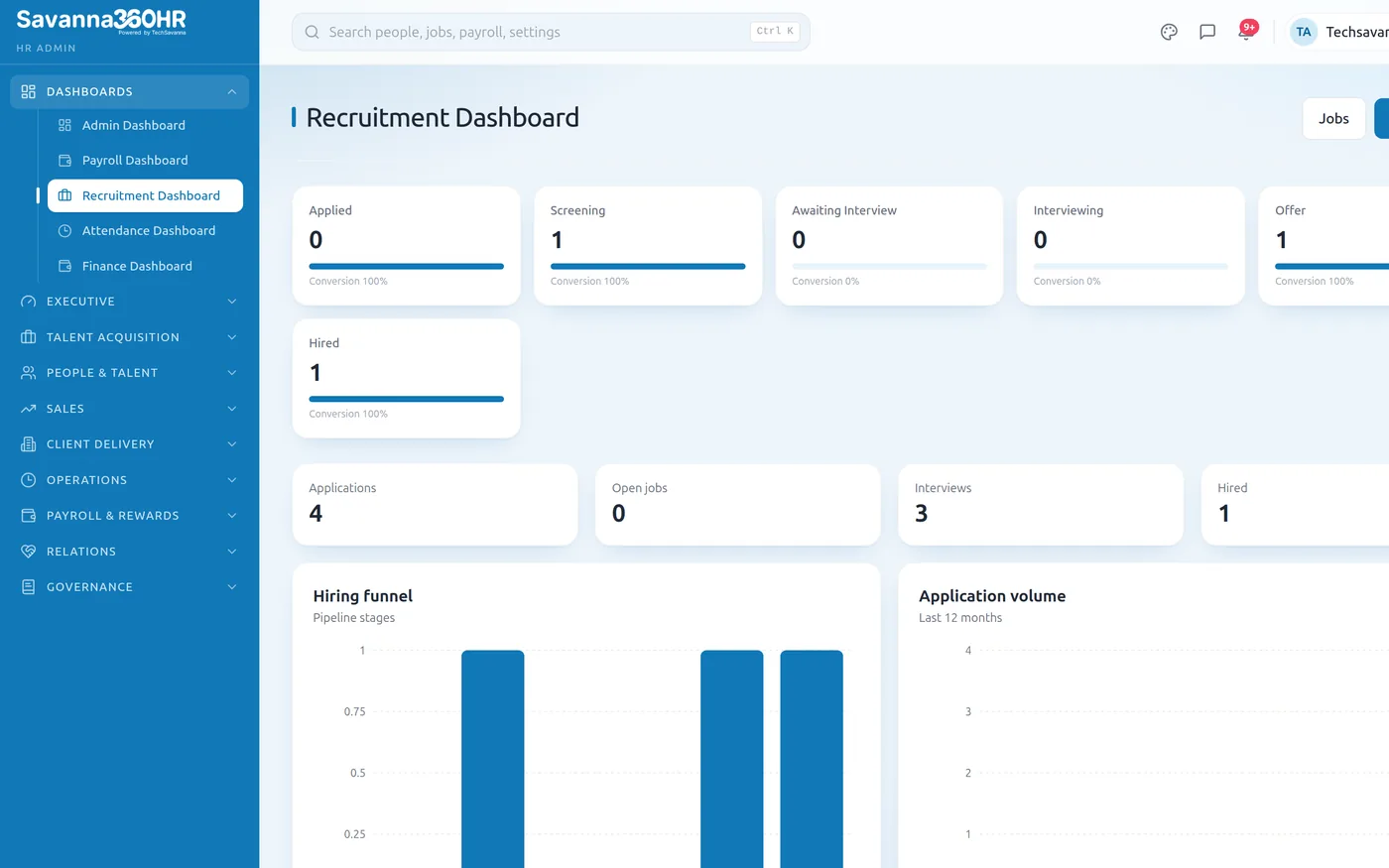
Savanna360 HR web workspace
How teams roll Analytics & Compliance out
Nothing to set up
Dashboards populate from the records the modules already write.
Choose your dimensions
Department, grade, location, contract type, whatever you track.
Share the view
Scope each dashboard to the roles that should see it.
Export on demand
Spreadsheet or PDF for board packs and auditors.
Frequently asked questions
Yes. Alongside the standard dashboards you can build report views over the underlying records, filter and group them, save them for reuse and share them with specific roles.
Access is scoped by role. A department manager sees their own team's cost, HR and finance see the organisation, and salary-level detail can be restricted separately from headcount reporting.
Consequential actions: approvals and rejections, payroll submission, password and access changes, loan and advance decisions, and grievance reviews. Each entry records the actor, the time, the source and what changed. Entries cannot be edited or deleted.
Yes. Statutory reports, the audit log and any report view export to spreadsheet or PDF, with the reporting period and the rates that applied clearly stated.
Try Analytics & Compliance on your own data
Provision a full workspace in about ten minutes. Three days free, no card required.